Google wants to give you a sense of what it was like to create its most awe-inspiring Street View collections with a new section in Maps called Treks.
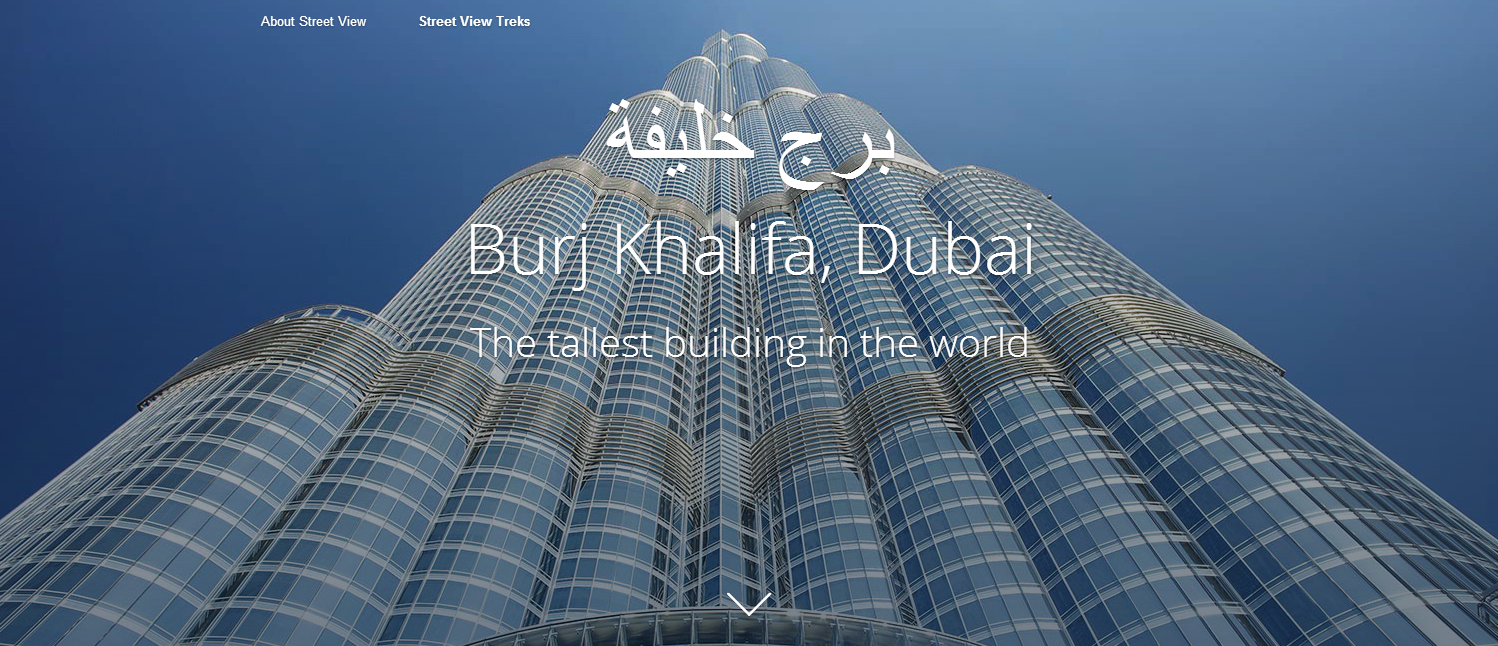
On the Treks site you can check out behind-the-scenes images, stories, and even audio files explainingt what it was like to nab Street View photos of the Burj Khalifa in Dubai, the world's tallest building; the Canadian Arctic; Mt. Everest; the Grand Canyon; Australia's Great Barrier Reef; the Amazon Basin; and the Kennedy Space Center. (Treks shares its name with the 40-pound Trekker backpack camera that captures 360-degree Street View images on foot.)
The new Treks tours are meant to complement Google's Views site that debuted in late July. Views shows off some of the best Street View imagery collections from around the globe, including the Eiffel Tower, Mount Fuji, and Antarctica. The site also lets you explore user-contributed 360-degree images. If you have an Android phone running version 4.2 or higher you can upload your own photo spheres to the site from locations around the world.
Trekking through treks
The introductory image to the Burj Khalifa on Google Treks


ConversionConversion EmoticonEmoticon